

If you’ve ever typed “best AI tools for beginners” into Google and felt instantly overwhelmed, you’re not alone. I still remember the first time I tried an AI tool seriously. I had ten tabs open, half a dozen free trials running, and absolutely no idea which button I was supposed to click first. AI promised to save time, but ironically, learning it felt like a full-time job.
That’s exactly why this guide exists.
AI is no longer something reserved for engineers, researchers, or Silicon Valley insiders. Today, beginners—writers, students, entrepreneurs, freelancers, teachers, and everyday professionals—can use AI tools to write faster, design better, organize work, automate tasks, and even learn new skills. The challenge isn’t whether AI can help you. The challenge is knowing which tools are actually beginner-friendly, what they’re good at, and how to use them without frustration.
In this article, I’ll walk you through the best AI tools for beginners using plain language, real-world examples, and practical advice I wish someone had given me earlier. You’ll learn what these tools do, how they fit into everyday workflows, which ones are worth your time, and how to avoid common mistakes that trip up first-time users. By the end, you’ll have clarity, confidence, and a clear starting point instead of confusion.
What Are AI Tools, Really? A Beginner-Friendly Explanation
At its core, an AI tool is software designed to perform tasks that normally require human thinking—writing, designing, analyzing, summarizing, or making recommendations. But for beginners, that definition can feel abstract. A better way to think about AI tools is this: they’re digital assistants trained on massive amounts of data that help you do work faster and smarter.
Imagine AI like a very capable intern. It doesn’t replace you, but it handles repetitive or time-consuming tasks so you can focus on decisions, creativity, and strategy. For example, instead of staring at a blank page, an AI writing tool can generate a rough draft. Instead of manually resizing images, an AI design tool can suggest layouts. Instead of sorting spreadsheets, an AI assistant can summarize insights in seconds.
What makes modern AI tools beginner-friendly is how conversational and intuitive they’ve become. You don’t need to learn coding or technical jargon. Most tools work through simple prompts like, “Write an email,” “Design a presentation,” or “Summarize this document.” If you can explain what you want in plain English, you’re already qualified to use them.
For beginners, the best AI tools share three qualities:
- Simple interfaces that don’t feel intimidating
- Clear use cases tied to real-world tasks
- Low-cost or free entry points for experimentation
Understanding this removes a lot of fear. AI isn’t magic, and it isn’t a threat. It’s a set of tools—like calculators or spellcheckers—that become powerful once you know how to use them correctly.
Why Beginners Should Care About AI Tools (Benefits & Use Cases)
One of the biggest misconceptions is that AI tools are only useful if you’re running a tech startup or automating complex systems. In reality, beginners often benefit the most because AI dramatically shortens learning curves and reduces friction in everyday tasks.
Take writing, for example. Whether you’re drafting emails, blog posts, captions, or reports, AI can help you get unstuck, structure ideas, and improve clarity. It doesn’t eliminate your voice—it gives you a starting point. For someone new to content creation or professional writing, that confidence boost alone is huge.
Design is another area where beginners struggle. Hiring a designer is expensive, and learning Photoshop takes time. AI-powered design tools can generate social posts, presentations, and thumbnails with minimal effort. You focus on the message; the tool handles layout and visuals.
AI tools also shine in productivity and learning:
- Students use them to summarize lectures and study materials
- Entrepreneurs brainstorm business ideas and validate concepts
- Freelancers automate repetitive admin tasks
- Non-native English speakers improve communication clarity
Perhaps the most underrated benefit is decision support. AI tools can compare options, generate pros and cons, and surface insights you might overlook. For beginners, this feels like having a mentor available 24/7.
When used responsibly, AI doesn’t replace skill-building—it accelerates it. You learn faster because you get immediate feedback, examples, and suggestions. That’s why choosing the right beginner tools matters so much.
How to Start Using AI Tools: A Step-by-Step Beginner Process
Getting started with AI doesn’t require a complicated setup, but it does benefit from a structured approach. Most beginners fail not because AI is hard, but because they try too many tools at once without a clear goal.
Step one is defining a single problem you want to solve. Are you trying to write faster? Design better visuals? Organize tasks? Pick one. AI works best when you apply it to a specific use case rather than treating it as a magic solution for everything.
Next, choose one beginner-friendly tool and commit to using it for a week. This helps you move past surface-level experimentation and into real learning. During this phase, focus on understanding how prompts work. The clearer your instructions, the better your results.
A simple framework for prompts is:
- What you want
- The context
- The format or tone
For example: “Write a friendly onboarding email for new customers explaining how to get started.”
Then, review and refine. AI output is a draft, not a final product. Edit it, adjust tone, and add personal insight. This step is crucial—it’s how you stay in control and maintain authenticity.
Finally, once one tool feels natural, expand slowly. Add a design tool or a productivity assistant. The goal isn’t mastery overnight. It’s building confidence through small wins.
Best AI Tools for Beginners (With Honest Comparisons)
4
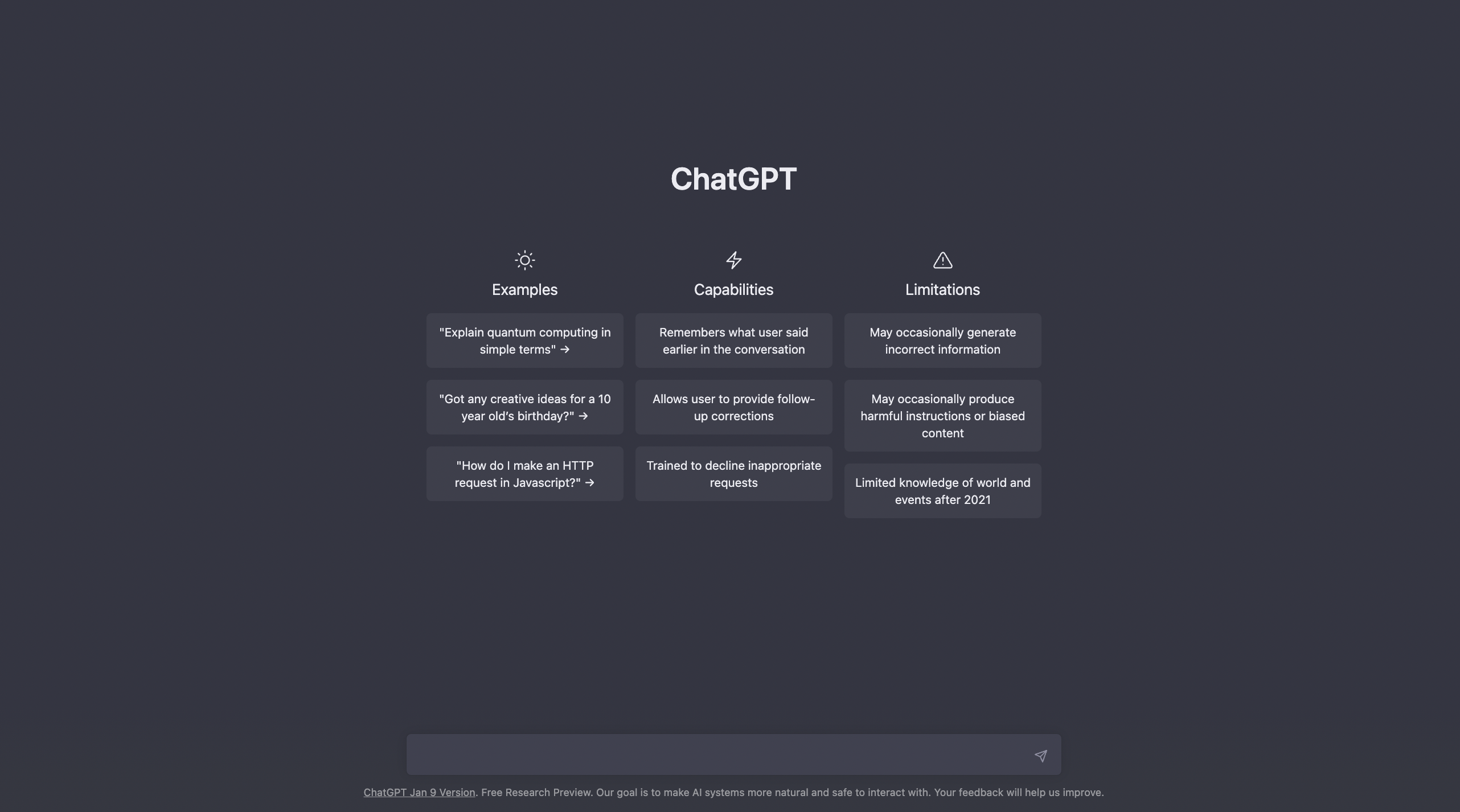
ChatGPT
ChatGPT is often the first AI tool beginners encounter—and for good reason. It’s conversational, flexible, and incredibly powerful for writing, brainstorming, explaining concepts, and problem-solving. You can ask it questions, request drafts, or even role-play scenarios. The free version is enough for most beginners, while paid plans unlock more advanced capabilities.
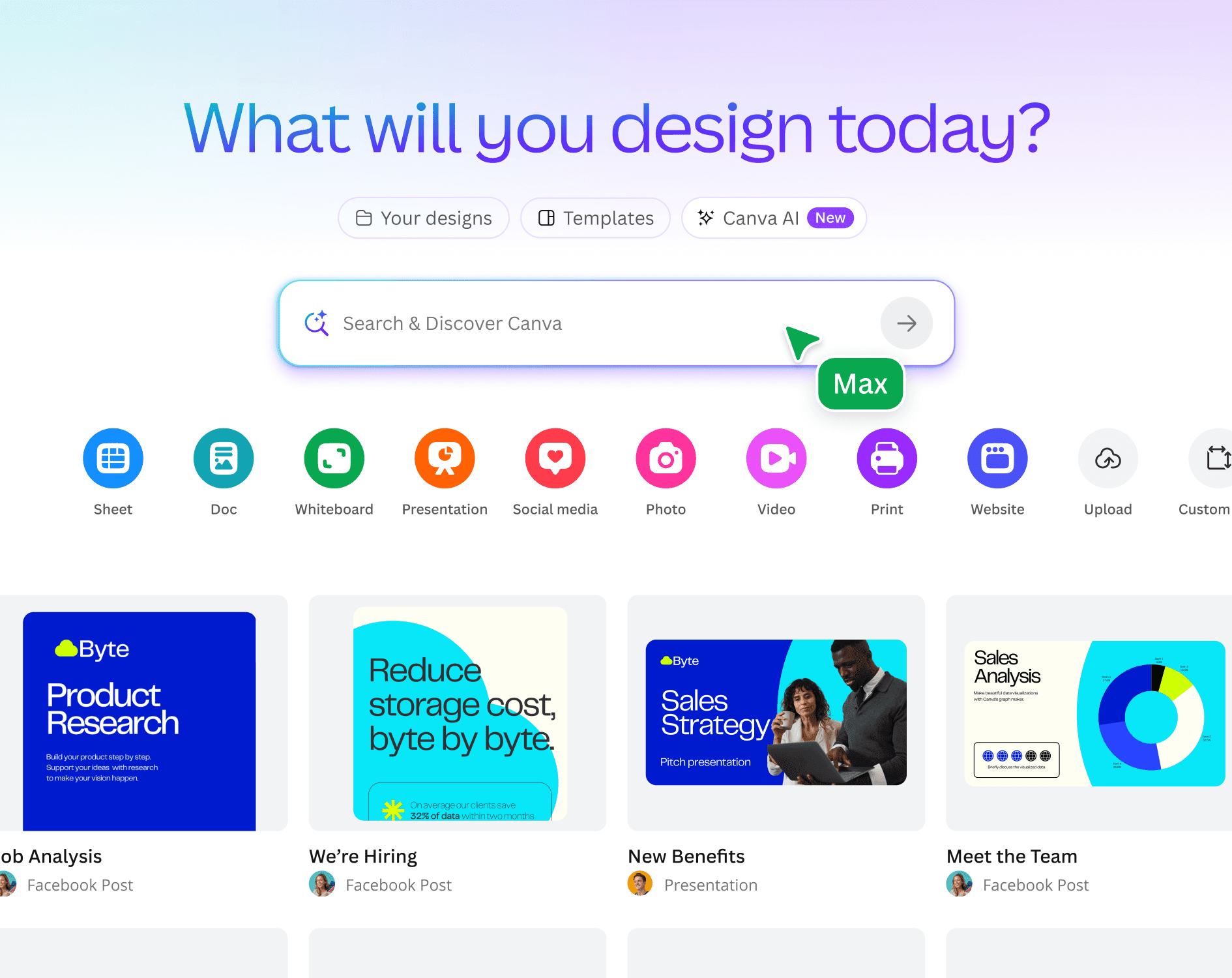
Canva
Canva’s AI features make design approachable for non-designers. From generating layouts to suggesting fonts and colors, it removes guesswork. Beginners love Canva because it feels visual, forgiving, and intuitive. It’s ideal for presentations, social media graphics, and simple branding.
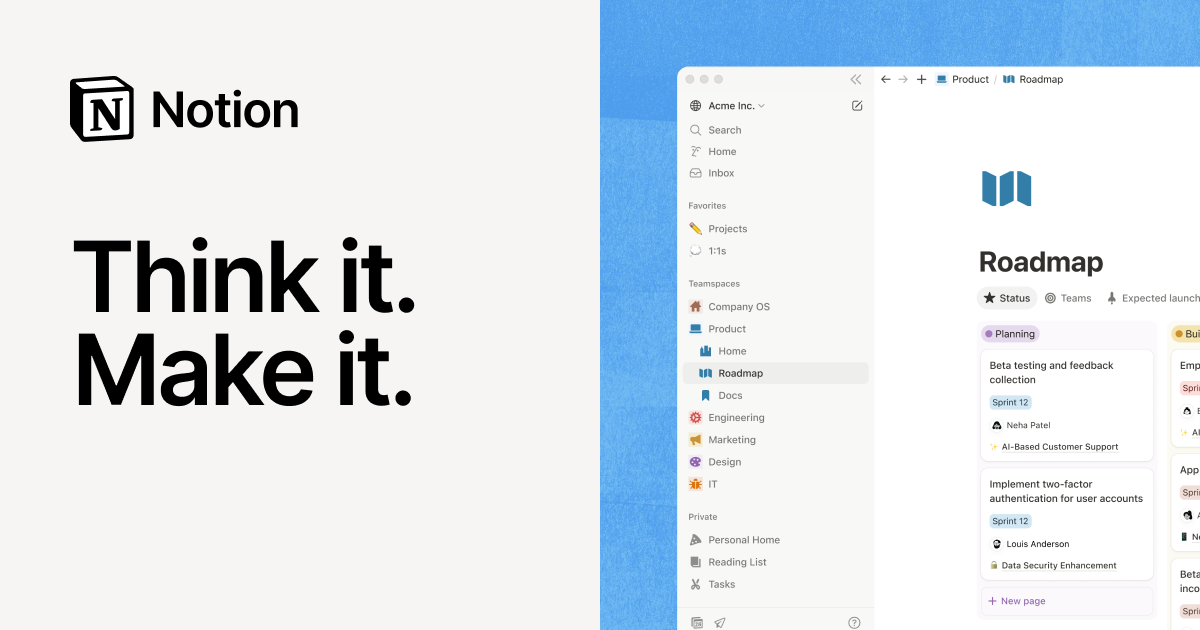
Notion
Notion AI helps beginners organize notes, tasks, and projects while offering summaries and content generation. If you struggle with structure or organization, this tool quietly improves clarity without overwhelming you.
Grammarly
Grammarly goes beyond spellcheck. Its AI suggestions improve tone, clarity, and confidence. For beginners writing professional emails or content, it’s like having an editor looking over your shoulder.
Free vs paid? Beginners should always start free. Paid plans make sense once you understand your workflow and see consistent value.
Common Beginner Mistakes With AI Tools (And How to Fix Them)
One of the most common mistakes beginners make is expecting perfection on the first try. AI output often needs refinement. Treat it like a draft, not a finished product.
Another issue is vague prompts. “Write something about marketing” will produce generic results. Specific prompts lead to dramatically better output.
Some beginners also rely too heavily on AI without adding personal insight. This results in content that feels generic or lifeless. The fix is simple: edit, personalize, and inject your own experience.
Finally, many people jump between tools too quickly. Master one before moving on. Depth beats breadth when learning AI.
Conclusion: Start Small, Stay Curious, and Let AI Work With You
The best AI tools for beginners aren’t about complexity—they’re about confidence. When you choose the right tools and approach them with curiosity instead of pressure, AI becomes less intimidating and more empowering.
You don’t need to automate your entire life. Start with one task, one tool, and one small improvement. Over time, those small wins compound into better productivity, clearer thinking, and more creative freedom.
If you’re willing to experiment, edit thoughtfully, and stay human in the process, AI will feel less like a buzzword and more like a trusted assistant.
FAQs
What is the easiest AI tool for beginners to start with?
ChatGPT is widely considered the easiest due to its conversational interface and versatility.
Are AI tools free for beginners?
Many AI tools offer free plans that are more than enough for beginners to learn and experiment.
Do I need technical skills to use AI tools?
No. Most beginner AI tools are designed for non-technical users.
Can AI tools replace human work?
AI supports human work but doesn’t replace judgment, creativity, or experience.
How long does it take to learn AI tools?
Most beginners become comfortable within a few days of consistent use.

Michael Grant is a business writer with professional experience in small-business consulting and online entrepreneurship. Over the past decade, he has helped brands improve their digital strategy, customer engagement, and revenue planning. Michael simplifies business concepts and gives readers practical insights they can use immediately.