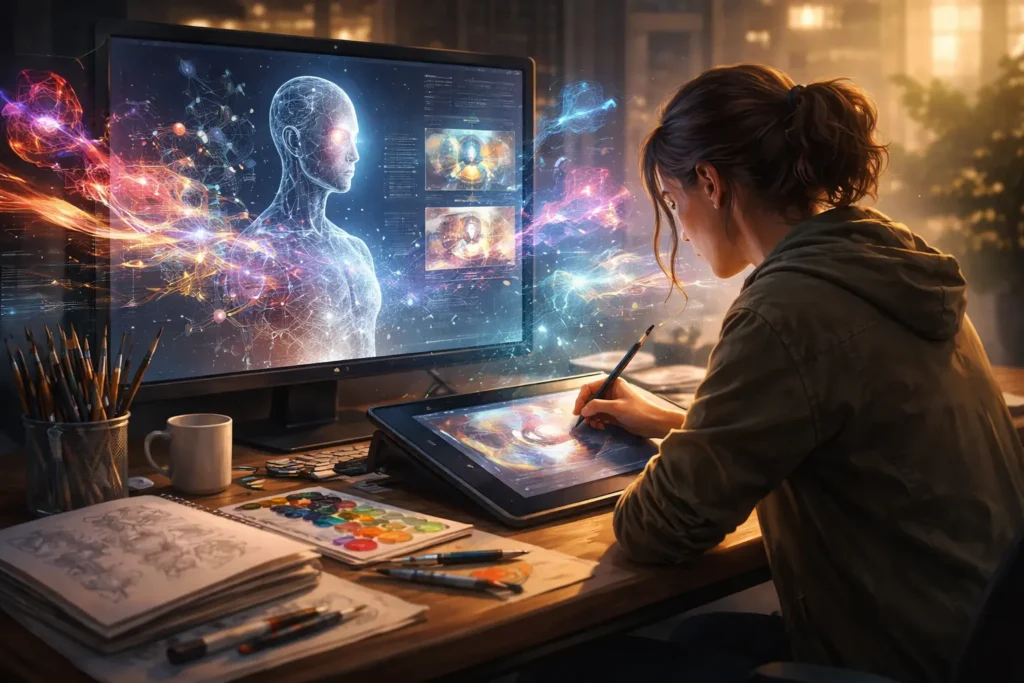
A few years ago, the idea of machines helping artists felt either futuristic or downright threatening. Today, it’s neither. It’s normal. If you’re a painter, illustrator, concept artist, designer, photographer, or even a sculptor experimenting digitally, you’ve already felt the shift. Artificial intelligence is no longer knocking on the studio door—it’s already inside, sitting quietly next to your sketchbook.
This article is for artists who are curious but cautious. Excited but skeptical. Interested in speed, inspiration, and new possibilities—yet deeply protective of their creative voice. If you’ve ever wondered whether artificial intelligence for artists is a shortcut, a threat, a tool, or something entirely new, you’re in the right place.
Right now, artists face real pressures: tighter deadlines, shrinking budgets, growing competition, and content demands that never sleep. AI didn’t create these problems, but it’s rapidly becoming part of the solution. Used well, it can expand creative capacity, reduce burnout, and unlock ideas you might never have reached alone. Used poorly, it can flatten originality and create work that feels hollow.
What follows isn’t hype, fear-mongering, or generic theory. This is a grounded, experience-driven guide to how artists actually use AI in the real world—what works, what doesn’t, and how to stay in control of your craft while benefiting from powerful new tools. By the end, you’ll understand how to integrate AI into your workflow without sacrificing identity, ethics, or artistic integrity.
What Is Artificial Intelligence for Artists? (From Beginner to Expert Understanding)
At its core, artificial intelligence for artists refers to software systems that assist, augment, or accelerate creative tasks using machine learning models trained on large datasets. But that technical definition misses the point. For artists, AI isn’t about replacing imagination—it’s about extending it.
Think of AI like a hyper-fast creative assistant with an encyclopedic visual memory. It can suggest compositions, generate variations, explore styles, and solve repetitive problems instantly. What it cannot do—at least not meaningfully—is care, intend, or decide why something should exist. That responsibility stays with you.
For beginners, AI often enters through simple use cases: generating reference images, experimenting with color palettes, or brainstorming visual directions. For professionals, it becomes more nuanced—used for ideation, client mockups, environment design, texture generation, animation assistance, or even automating production-heavy tasks.
Under the hood, most creative AI tools rely on models trained to recognize patterns in images, text, or both. When you prompt an AI image generator or enhancement tool, you’re not summoning creativity out of thin air. You’re guiding a system that predicts what visual elements typically belong together based on patterns it has learned. The artistry lies in how you guide it.
As artists grow more experienced with AI, their relationship with it changes. Beginners ask, “Can this make art?” Experts ask, “How can this help me think faster, explore deeper, and execute better?” That shift—from output obsession to process mastery—is where real value lives.
Why Artists Are Turning to AI: Benefits and Real-World Use Cases
The rise of artificial intelligence for artists isn’t happening because it’s trendy. It’s happening because it solves real problems in studios, agencies, and freelance workflows every day.
One of the biggest benefits is speed without creative compromise. Concept artists use AI to explore dozens of visual directions in minutes instead of hours. Illustrators generate rough compositions before committing to line work. Designers mock up multiple stylistic approaches for clients without burning days on revisions that may never see approval.
Another major benefit is creative unblocking. Every artist hits walls—those moments when ideas feel stale or overworked. AI excels at breaking patterns. By generating unexpected combinations or visual prompts, it can kickstart fresh thinking without dictating final outcomes.
AI also democratizes access to high-level experimentation. Techniques that once required teams or expensive software—like advanced lighting studies, environment rendering, or motion experiments—are now accessible to solo creators. This levels the playing field, especially for independent artists and small studios.
Real-world use cases vary by discipline. Illustrators use AI for reference synthesis and pose exploration. Concept artists leverage it for environment ideation and mood boards. Photographers use AI for enhancement, restoration, and stylization. Even traditional artists use AI-generated references to inform paintings or sculptures.
The most important shift, though, is psychological. Artists who learn to use AI intentionally stop fearing it. They see it not as a competitor, but as a catalyst—one that expands what’s possible while keeping authorship firmly human.
How to Use Artificial Intelligence for Artists: A Step-by-Step Practical Workflow
Using AI effectively as an artist isn’t about downloading a tool and pressing a button. It’s about integrating it thoughtfully into an existing creative process.
The first step is clarity of intent. Before opening any AI tool, define what problem you’re solving. Are you brainstorming concepts? Exploring styles? Speeding up production? AI performs best when it has a narrow, well-defined role. Vague prompting leads to generic results.
Next comes prompt literacy. Prompts aren’t magic spells; they’re creative direction. The more visual, emotional, and contextual information you provide, the more usable the output becomes. Experienced artists treat prompts like rough briefs, refining language until the AI’s responses align with their vision.
Iteration is where skill develops. Rarely does the first output become final work. Artists iterate—adjusting prompts, remixing outputs, combining AI results with hand-drawn elements. This back-and-forth is where authorship emerges.
After generation comes curation. Professionals don’t accept everything AI produces. They select, discard, modify, and reinterpret. AI gives options; artists make decisions. That distinction matters.
Finally, integration happens in familiar tools. AI outputs often move into traditional software for refinement. Line work, painting, composition adjustments, and finishing touches are still human-driven. AI accelerates the journey, but the destination remains yours.
The Best AI Tools for Artists (Honest Comparisons and Recommendations)

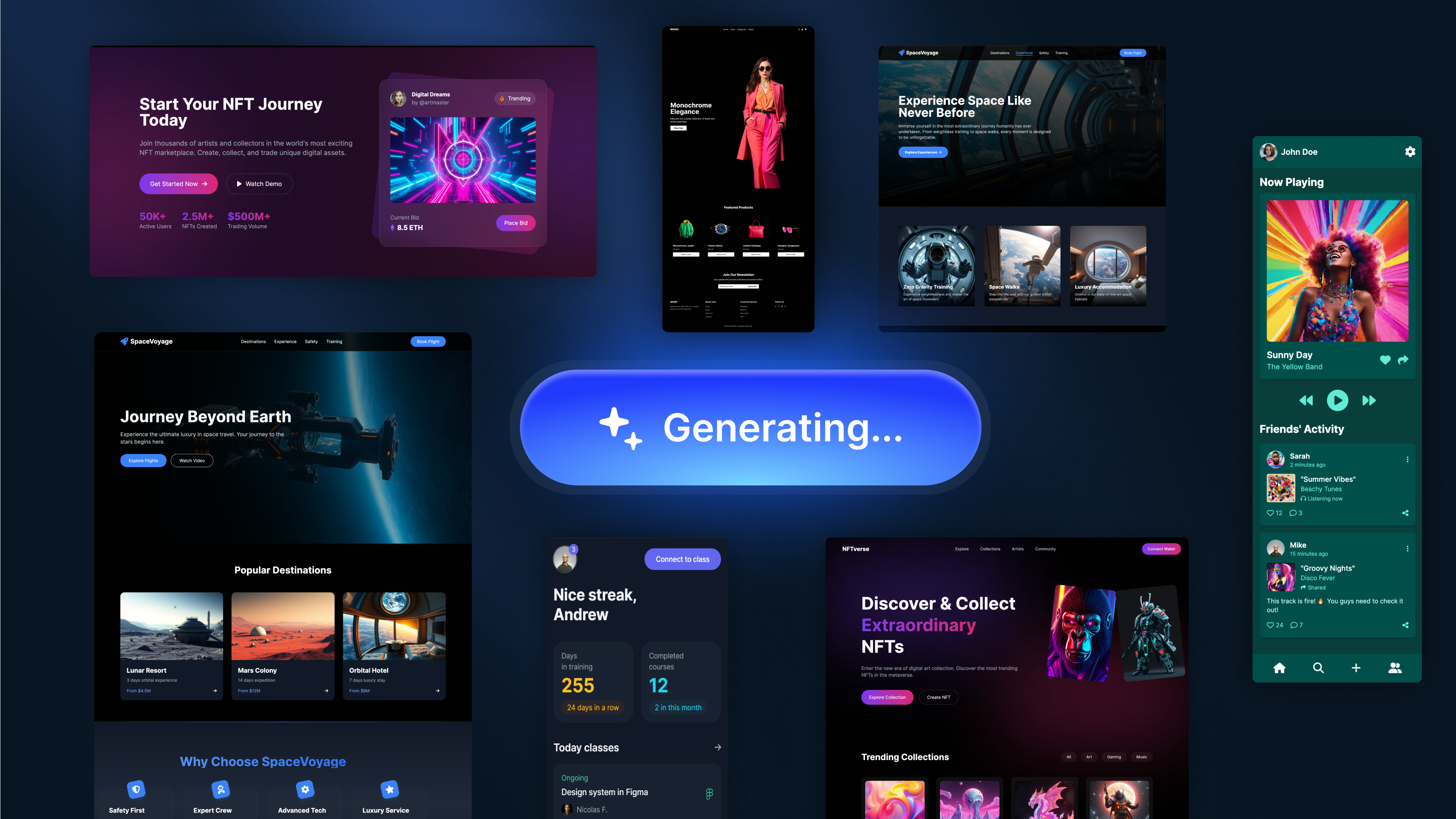
Not all AI tools are created equal, and not all are right for every artist. Choosing wisely saves time, frustration, and creative energy.
Image generation platforms are often the entry point. Tools like Midjourney excel at stylistic exploration and concept ideation. They’re powerful but require prompt mastery and external editing for professional results.
More artist-friendly integrations appear in platforms like Adobe Firefly, which focus on ethical training sources and seamless workflow integration. These tools shine when you want AI assistance without leaving familiar creative environments.
For illustrators and painters, software like Procreate continues to add AI-assisted features that support—not override—manual creation. This hybrid approach appeals to artists who want subtle augmentation rather than full automation.
Free tools are excellent for experimentation but often limited in resolution, usage rights, or consistency. Paid tools provide reliability, commercial licensing clarity, and deeper control. Professionals typically blend both—using free tools for ideation and paid platforms for production.
The best recommendation isn’t a specific tool—it’s alignment. Choose tools that respect your workflow, enhance your strengths, and stay out of the way when human judgment matters most.
Common Mistakes Artists Make with AI (and How to Avoid Them)
One of the most common mistakes is treating AI as a replacement rather than a collaborator. Artists who rely entirely on AI outputs often produce work that feels empty or interchangeable. The fix is simple: always add human interpretation, editing, or intent.
Another frequent issue is over-prompting without understanding. Long prompts filled with buzzwords don’t guarantee better results. Clear, purposeful direction beats verbosity every time.
Many artists also skip ethical considerations. Using AI blindly without understanding training data, licensing, or client expectations can create legal and reputational risks. Professionals stay informed and transparent.
Finally, there’s the trap of comparison. Seeing AI-generated work flood social media can trigger self-doubt. Remember: speed and volume don’t equal depth or meaning. Your value lies in perspective, not output quantity.
The Ethical and Creative Balance: Staying Human in an AI-Assisted World
Artificial intelligence for artists raises real ethical questions, and avoiding them doesn’t make them disappear. Responsible artists engage with these concerns honestly.
Authorship matters. Even when AI assists heavily, the artist who guides, selects, and finalizes the work owns the creative decision-making. Transparency builds trust—with audiences and clients alike.
Style appropriation is another sensitive area. Ethical use means avoiding prompts that explicitly mimic living artists without permission. Developing your own visual language remains essential, AI or not.
Perhaps the most important balance is emotional. Art connects because it carries human experience. AI can simulate aesthetics, but it cannot feel loss, joy, anger, or wonder. Artists who remember this never lose relevance.
The Future of Artificial Intelligence for Artists

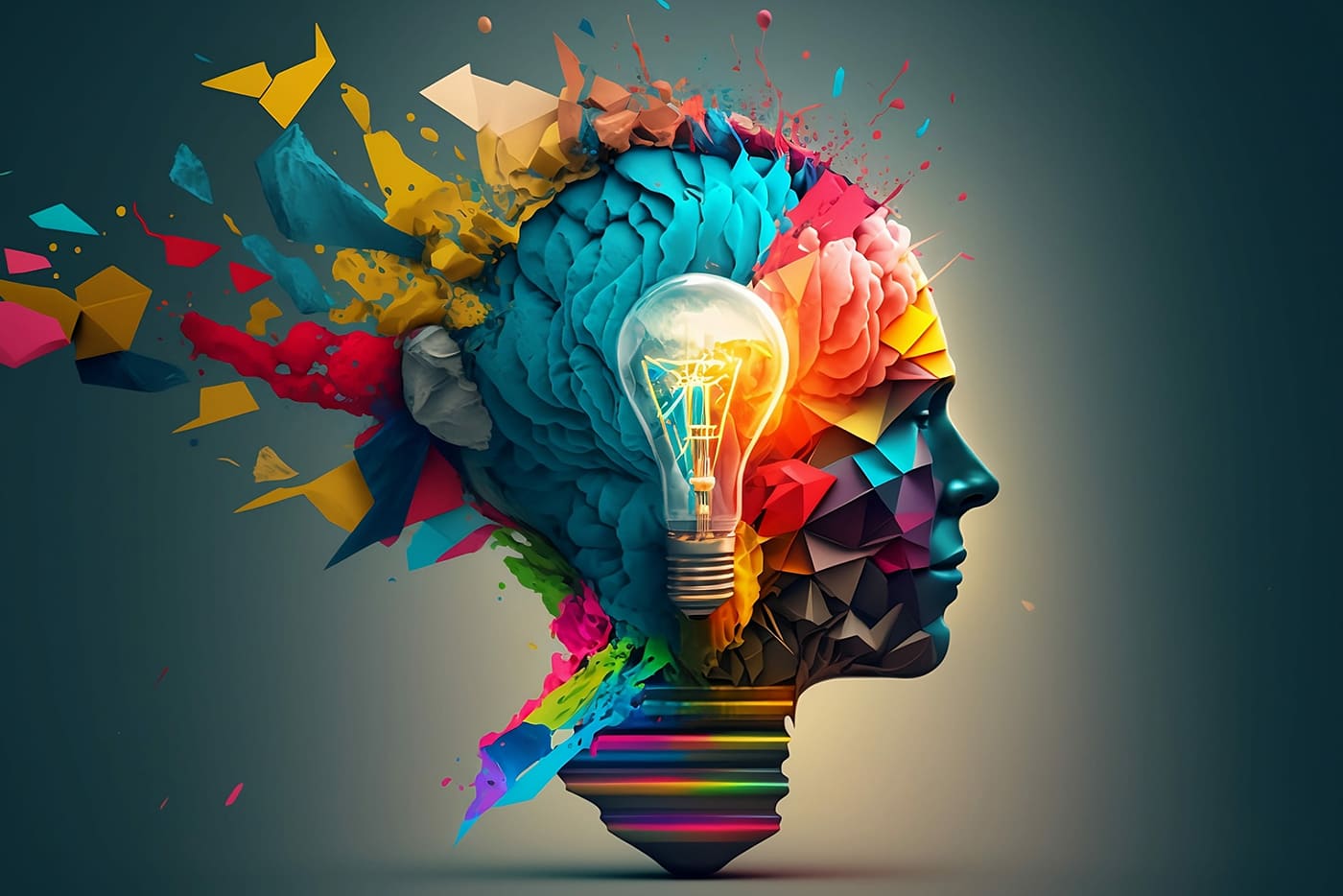
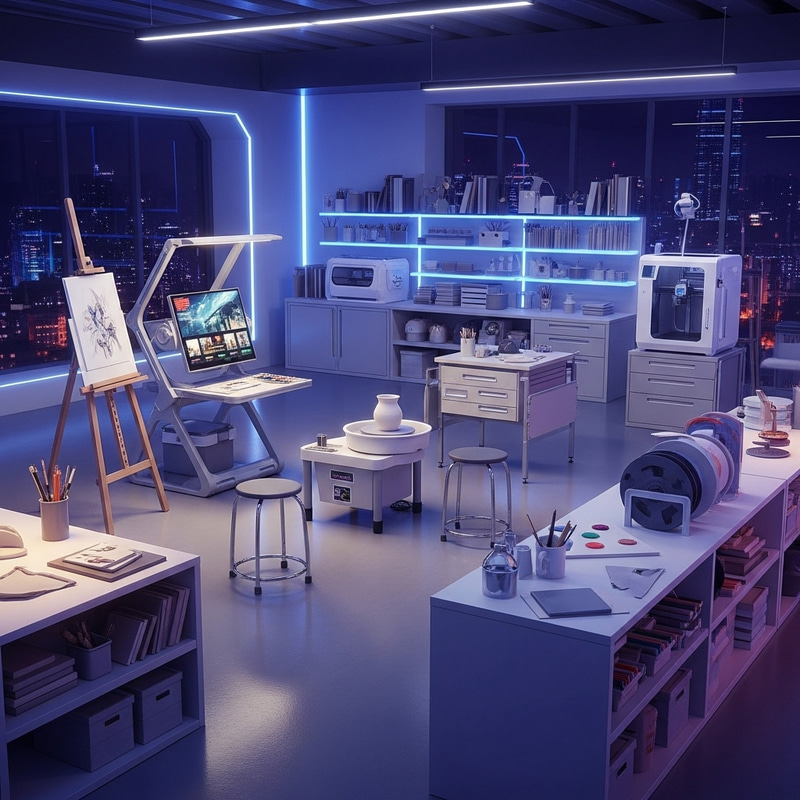
The future isn’t artists versus AI. It’s artists with AI versus artists without it. As tools mature, the gap will widen between those who understand how to direct intelligent systems and those who resist them entirely.
We’ll see deeper integrations, real-time collaboration, and more personalized models trained on individual workflows. AI will fade into the background, becoming less of a novelty and more of a quiet amplifier of skill.
Artists who invest now—learning principles rather than chasing trends—will shape that future rather than react to it.
If you want a thoughtful overview of how AI is evolving creatively, this YouTube breakdown provides a balanced, artist-centric perspective:
Conclusion: Using Artificial Intelligence for Artists Without Losing Yourself
Artificial intelligence for artists isn’t a shortcut to talent. It’s a multiplier of intention. Used carelessly, it flattens creativity. Used wisely, it expands it.
The artists who thrive won’t be those who generate the most images the fastest. They’ll be the ones who ask better questions, make stronger choices, and integrate AI as a silent partner—not a substitute.
Your eye, taste, and lived experience remain irreplaceable. AI simply helps you reach further, faster, and with fewer obstacles. If you stay curious, ethical, and intentional, this technology won’t dilute your voice—it will sharpen it.
FAQs
Is artificial intelligence for artists only for digital art?
No. Traditional artists use AI for references, planning, and experimentation without changing their physical medium.
Will AI replace human artists?
AI replaces tasks, not perspective. Artists who adapt remain essential.
Can AI help beginners learn faster?
Yes, when used as a learning aid rather than a crutch.
Is AI art legal for commercial use?
It depends on the tool and license. Always review usage rights carefully.
Does using AI make art less authentic?
Authenticity comes from intent, not tools.

Adrian Cole is a technology researcher and AI content specialist with more than seven years of experience studying automation, machine learning models, and digital innovation. He has worked with multiple tech startups as a consultant, helping them adopt smarter tools and build data-driven systems. Adrian writes simple, clear, and practical explanations of complex tech topics so readers can easily understand the future of AI.